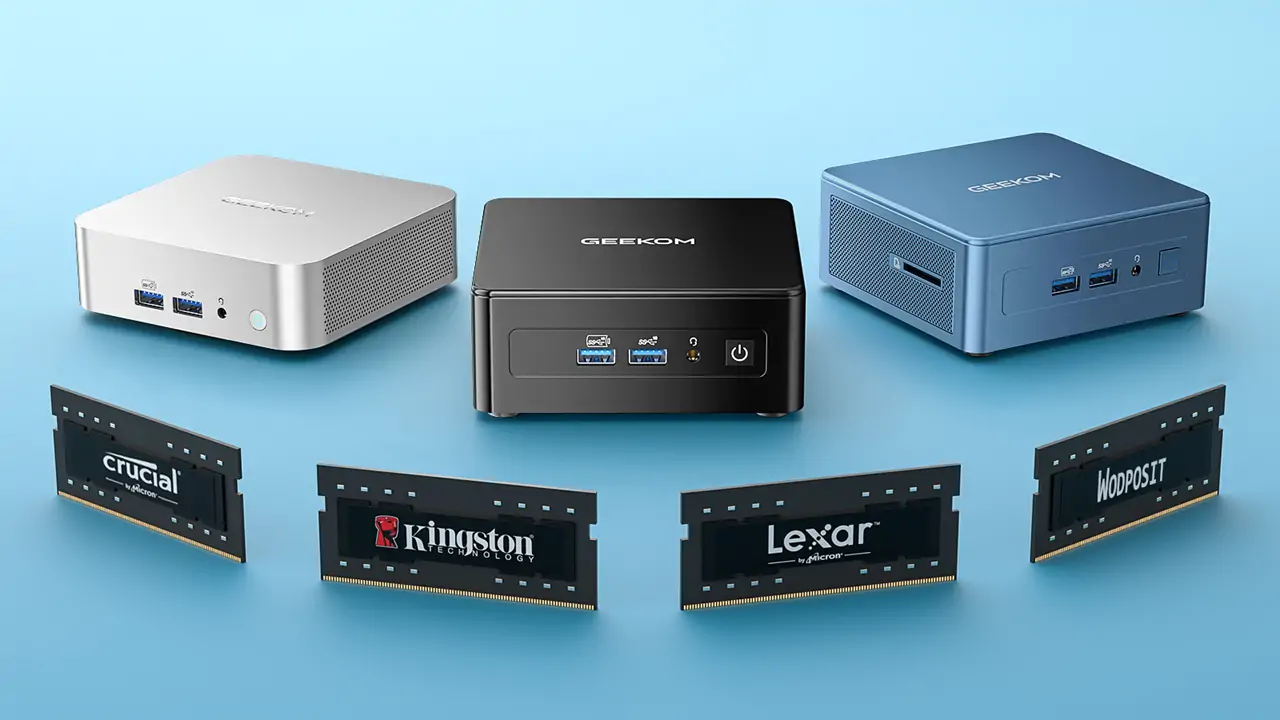















Is 16GB RAM reliable in 2025?
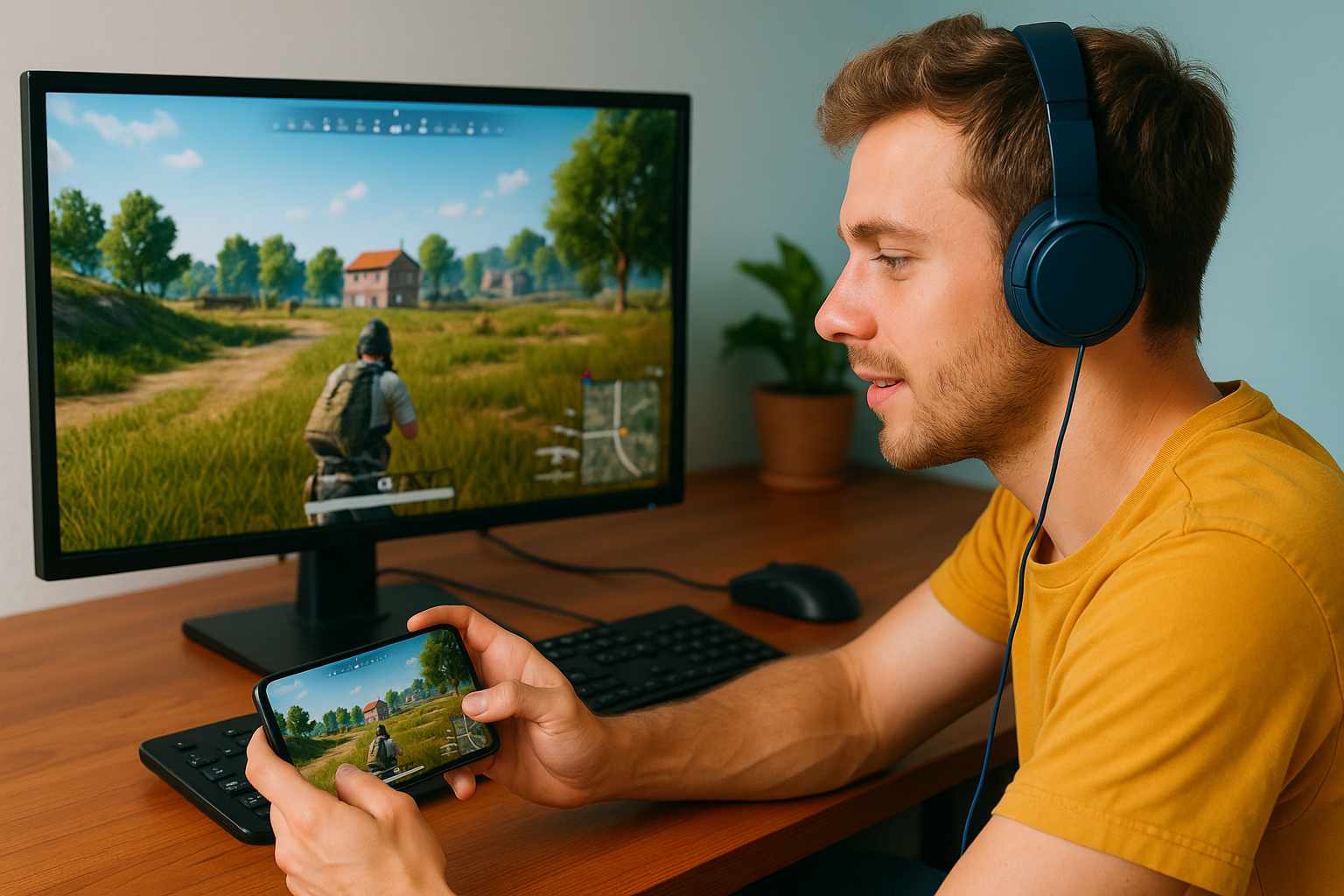
Many users agree that Random Access Memory (RAM) is essential for having the best experience when playing computer games. The amount of RAM essential to run the latest games smoothly is increasingly asked every day. Gamers with higher stakes, like the affirmed number of active games available to them, often opt to have 16GB of RAM, knowing it can run today’s games.
Why does RAM affect game performance? This article will help you figure out if 16GB of RAM is right for a gaming setup. Before you set up your gaming system, read this guide to get a better idea of how memory affects gaming.
Is 16GB RAM Enough For Gaming?
When determining whether 16GB of RAM is sufficient for gaming, you may consider the minimum and recommended memory requirements for modern games. While some games released earlier require as little as 8GB of RAM to run smoothly, some of the latest AAA-rated games in recent years and even after 2025 recommend at least 16GB of RAM for better performance. This is so that you may keep a rather constant frame rate while playing the game since 16GB of RAM guarantees the game has enough memory to load assets and manage challenging scenarios.
If you enjoy gaming, running games at higher settings with less possibility for performance problems comes from matching your computer with 16GB of RAM. With more available memory, games can store more data in memory, which reduces load times and minimizes lag or freezing during gameplay. In addition, 16GB of memory provides a buffer for future versions of the game that may require more memory.
However, in some cases, 16GB of memory might not be enough. If you want to run memory-heavy mods or do a lot of things at once while gaming, like live streaming or running a lot of apps in the background, you might need 32GB RAM or more to keep your performance from slowing down.
Is 16GB RAM good for Fortnite? For Fortnite to run smoothly, your computer needs to have at least 8GB of RAM, which is also what the developers recommend. Some people still want 16GB of RAM because it gives them more space to do other things and makes sure their gaming experience is always smooth. This is especially true if they want to make their system future-proof or run the game at the highest settings.
Here’s an updated table comparing the minimum and recommended RAM requirements for some popular games:
| Game | Minimum RAM | Recommended RAM |
| Fortnite | 4GB | 8GB |
| Cyberpunk 2077 | 12GB | 16GB |
| Red Dead Redemption 2 | 8GB | 12GB |
| Black Myth Wukong | 16GB | 32GB |
| Assassin’s Creed Valhalla | 8GB | 16GB |
As you can see from the table, different games have different minimum RAM requirements. However, 16GB RAM is still a good choice for most games.
so, How much RAM Do you Need For Gaming?
How RAM Affects Gaming Performance
Some factors affect how much RAM you need for gaming, so consider these aspects when deciding if 16GB RAM is enough.
Game genres and their RAM demands
Different types of games need different amounts of RAM. Some games that use a lot of memory are strategy games and open-world RPGs. This is because they have a lot of assets and complicated game mechanics. Some types of games, like 2D platformers and independent games, may need less RAM, though.
Impact of gaming resolution and graphics settings on RAM usage
The resolution and graphics settings you use for games can greatly affect how much RAM you use. To store and process the extra data that comes with higher resolutions and more detailed graphics settings, you need more RAM. For example, playing games at 4K resolution and ultra graphics settings will need more RAM than playing games at 1080p resolution and medium graphics settings. If you want to play games with higher resolutions or advanced graphics features like anti-aliasing and high-resolution textures, getting at least 16GB of RAM can help things run more smoothly.
Multitasking while gaming
Multitasking while gaming, such as streaming, surfing the web, or using voice chat apps at the same time, can use more RAM. Each extra app runs simultaneously as your game uses up some of your available RAM. Since you probably do a lot of other things at the same time as playing games, 16GB of RAM should be enough for light games without slowing down your computer, but 32GB or more is better.
Can 16GB RAM run all games?
It is possible that 16GB RAM will not work perfectly with all games, especially at the highest settings, but it should be enough to run most modern games right now. Some games may run better with 32GB of RAM or more if you plan to use high-resolution texture packs, mods, or do a lot of different things at once. This is because 16GB RAM is a good balance between price and performance for most gamers. It can handle a lot of different games and gaming situations.
How RAM Should Be Chosen After 2025
You should think about both the needs of now and the needs of the future when you building or upgrading a gaming setup. Future-proofing your setup for gaming with the right amount of RAM will make sure that your system can handle new games and other technological advances.
New games are coming out soon, and how much RAM do they usually need
Future games are likely to need more RAM as the developers push the limits of graphics and gameplay difficulty. Although it is hard to say for sure what RAM requirements upcoming games will have, 16GB RAM should remain a good starting point for a while. If you want to play cutting-edge games or make sure your system is ready for the next generation of games, though, 32GB RAM or more might be a good idea.
Why buying 32 GB or more RAM is a good idea
Getting 32GB RAM or more is a good idea for gamers for several reasons. Now that you have more RAM, you can run memory-heavy games and programs without worrying about slowdowns. Plus, more RAM lets you do more things at once, so you may run more demanding programs at the same time. Having at least 32 GB RAM can help your workflow and productivity if you make content or stream.
Keeping RAM and other hardware parts in balance
Even though RAM is important for gaming, you should also consider buying other hardware at the same time. For a smooth time playing games, you need a high-end graphics card, a powerful processor, and a fast storage solution. When planning for the future of playing games, think about your budget and the upgrades that will have the biggest effect on your current gaming needs.
The table below compares the advantages of different memory capacities
| RAM Capacity | Benefits |
| 16GB | Sufficient for most current games and multitasking scenarios |
| 32GB | Enhanced performance for demanding games and heavy multitasking |
| At least 64GB | Ideal for professional content creation and extreme multitasking |
Whether or not to add more than 16GB RAM to some gaming setup depends on your long-term goals, your budget, and the games and apps you want to use.
How To Optimize RAM When You Play Games
If you want to get the most out of your RAM for gaming, you need to know how to make it work better. You can make sure that your RAM works well and quickly by following some best practices and configurations.
Use the dual-channel configuration
A dual-channel configuration of RAM is one of the best ways to get the most out of your memory, and this is how most people use it. When you install memory sticks in pairs for dual-channel RAM, the system can access two memory sticks at the same time. Compared to a single-channel configuration, this multi-channel arrangement can significantly increase memory bandwidth and general performance. If you are installing memory, be sure to keep an eye on the motherboard specifications as well as the memory specs; you will want to consult the motherboard manual (ask the service provider where you bought the motherboard); this will help you ascertain the appropriate slot for dual-channel operation.
Related Post: Dual Channel vs Single Channel: A Performance Evaluation.
RAM speed and latency
Beyond capacity, RAM speed and latency also affect how well games run. Higher RAM speeds, which are measured in megahertz (MHz), can speed up the transfer of data, which can cut down on load times and boost frame rates. Less latency, which is measured in CL (CAS Latency), can also help games run faster by cutting down on the time it takes for the RAM to respond to processor requests. For best gaming performance, you can look for modules with high speeds (3200MHz or higher) and low latency (CL14 or lower).
Overclocking RAM for better performance
To get better performance, overclocking RAM means pushing the memory modules faster and with more timing than they were designed to work with. Although overclocking can make games run better, it also has risks, such as making the system unstable and possibly breaking the hardware. If you want to overclock your RAM, you should look into the safest overclocking levels for your RAM modules and motherboard. Also, make sure your system has enough cooling to handle the extra heat that overclocked RAM creates.
Here’s a table comparing the impact of RAM speed and latency on gaming performance:
| RAM Speed | Latency | Gaming Performance Impact |
| 2400MHz | CL15 | Baseline performance |
| 3200MHz | CL16 | Moderate improvement |
| 3600MHz | CL14 | Significant improvement |
Making sure that your 16GB RAM setup is running at its best and choosing modules with the right mix of speed and latency will help you get the most out of your gaming experience.
Which Budget RAM Is Right For You?
Building or upgrading a gaming PC calls for careful making of budgets and allocating resources. Your financial situation and gaming priorities will determine whether you choose 16GB RAM or higher capacity.
Cost differences between 16GB and higher RAM capacities
The brand, capacity, and speed all affect RAM’s cost. Sometimes, 16GB RAM kits are less expensive than either 32GB or 64GB models. The price difference can be significant; higher-capacity kits sometimes run twice as expensive or more than 16GB kits. Nonetheless, RAM prices change with time, thus it is always a good idea to check prices from several stores and producers.
How to get the best deal that fits your needs
Think about your specific wants and needs when looking for the best deal on many gaming setups. As long as you do not play very demanding games or do a lot of different things at once, a 16GB RAM kit might be the best choice for you in terms of price and performance. Buying a higher-capacity kit may be worth the extra money, though, if you want to run memory-hungry programs or make sure your setup will work in the future.
Prioritizing RAM in your gaming build budget
When planning your gaming build budget, it is important to find a good balance between RAM and other important parts like the processor, graphics card, and storage. While 16GB of RAM is usually enough for most gaming situations if you are on a tight budget, it might be better to put your money toward a more powerful graphics card or processor. If your budget allows it, you can always add more RAM later to make your system run even better.
Is 16GB RAM enough for a gaming laptop?
16GB of RAM is often thought to be the best balance between performance and price for gaming laptops. When it comes to upgrades, gaming laptops do not have as many options as desktop PCs, so it is important to pick a configuration that meets both your current and future needs. With 16GB of RAM, a gaming laptop should be able to handle most modern games and multiple tasks well. If your budget allows, getting 32GB of RAM or more may be better if you want to use your gaming laptop for hard jobs like editing videos or 3D rendering.
Is 16GB RAM Right For You?
For the latest gaming requirements, 16GB RAM is plenty and strikes a compromise between cost and performance. Its memory allows future game releases, demanding games, and multitasking. RAM needs may be influenced, though, by game genres, graphics settings, and personal tastes.
Deciding whether 16GB RAM is sufficient for a gaming setup will depend on your present, future, and financial situation. 16GB RAM could be perfect for a low budget or inclination for simpler games. Running memory-intensive apps, multitasking, or wanting to future-proof your setup might make 32GB RAM more interesting.
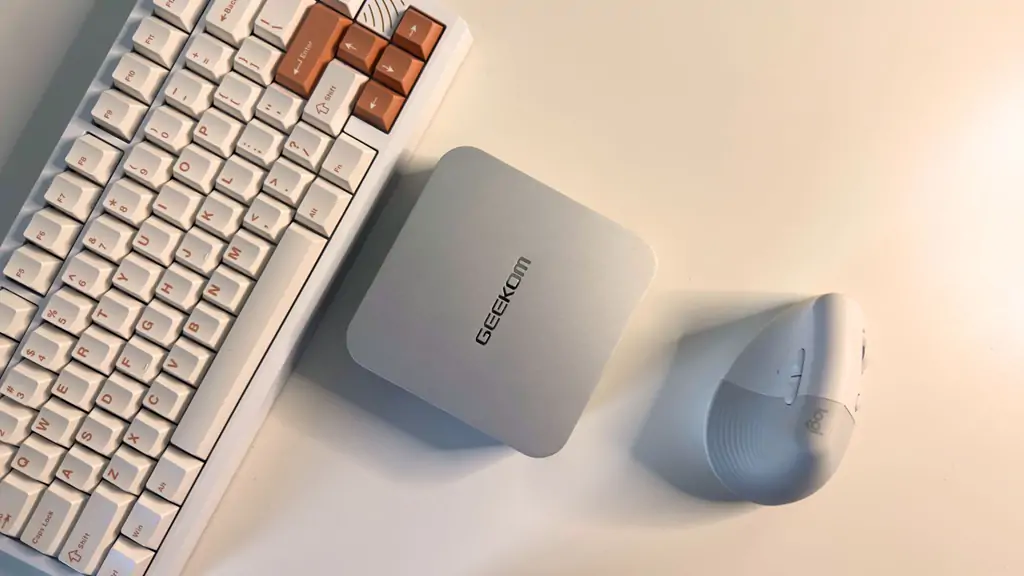
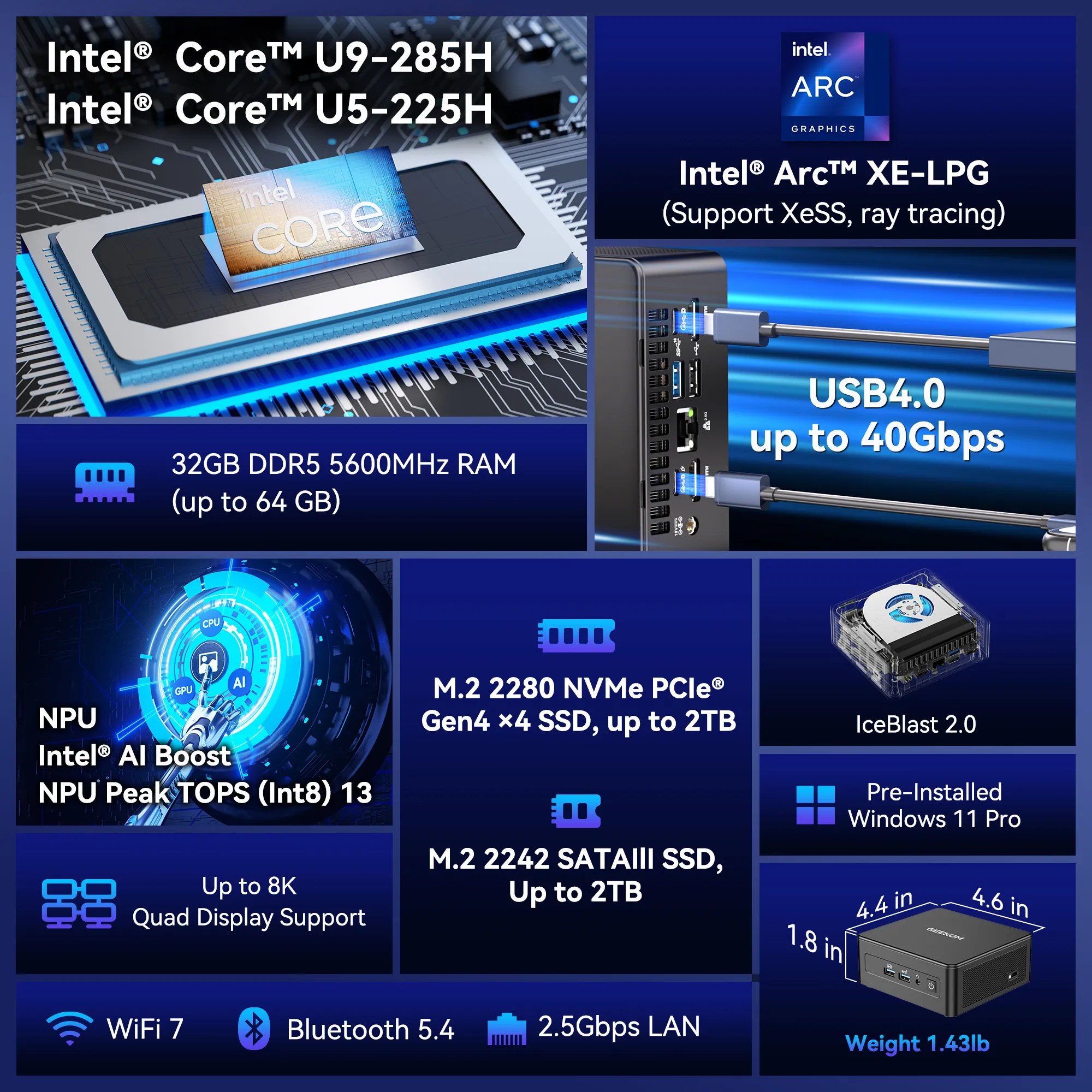
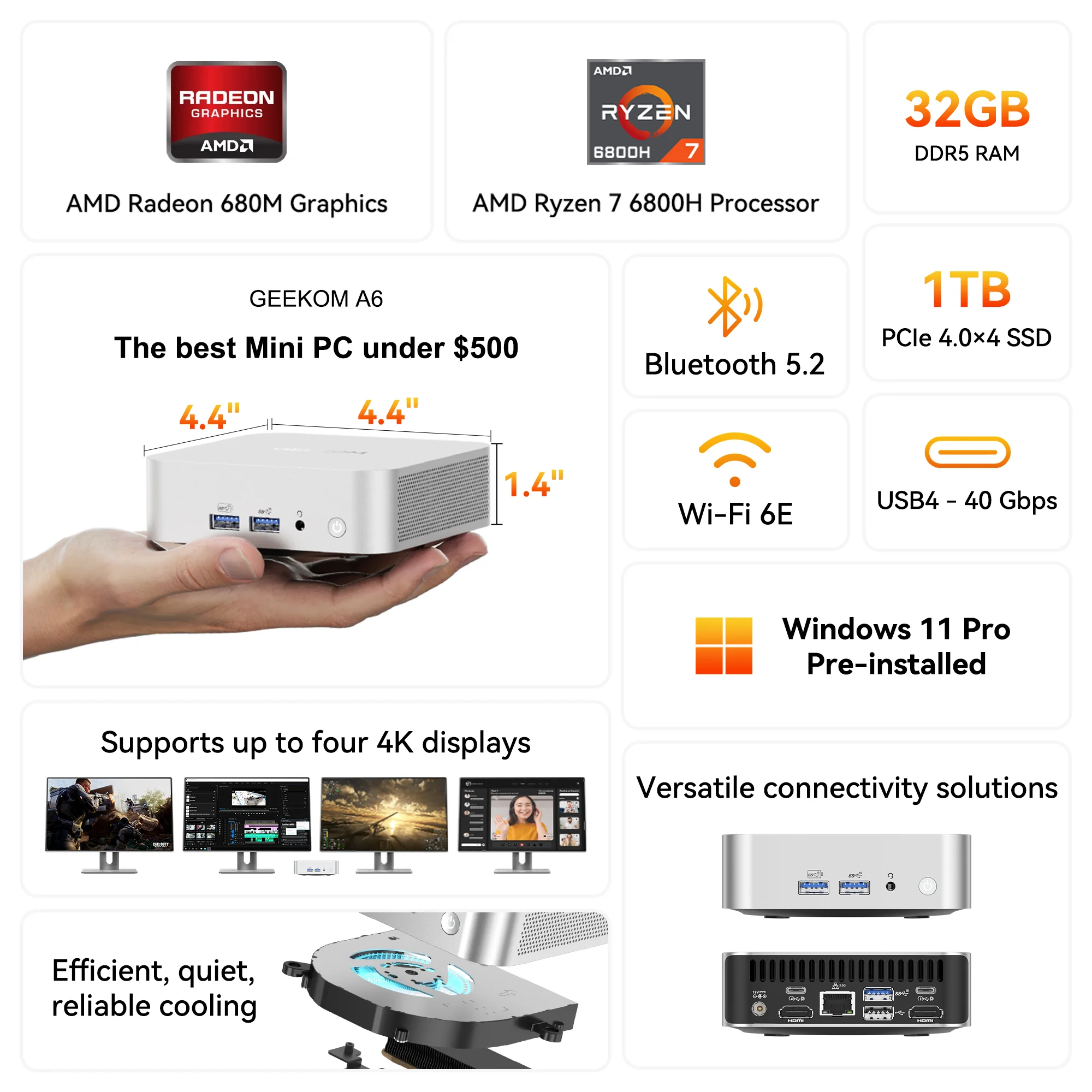
Of course, you can choose a mini computer with 32GB of RAM.
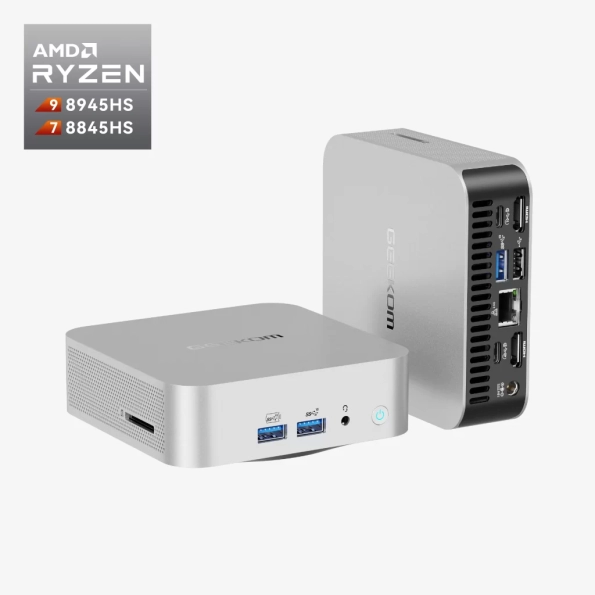
- AMD Ryzen™ 9 8945HS or Ryzen™ 7 8845HS.
- AMD Radeon™ 780M graphics card.
- Dual-channel DDR5 5600MT/s, up to 64 GB.
- M.2 2280 PCIe Gen 4 x 4 SSD, up to 2TB.
- Wi-Fi 6E and Bluetooth® 5.2.
A flawless gaming experience depends on the proper mix of RAM capacity, speed, latency, and some other else hardware components. Knowing your budget and gaming requirements will help you determine whether 16GB RAM is appropriate for you.
Periodically check the performance of your system and upgrade components as new games are published and technology develops to maximize your gaming experience.